
Grizzly’s Quest Login and Account Access
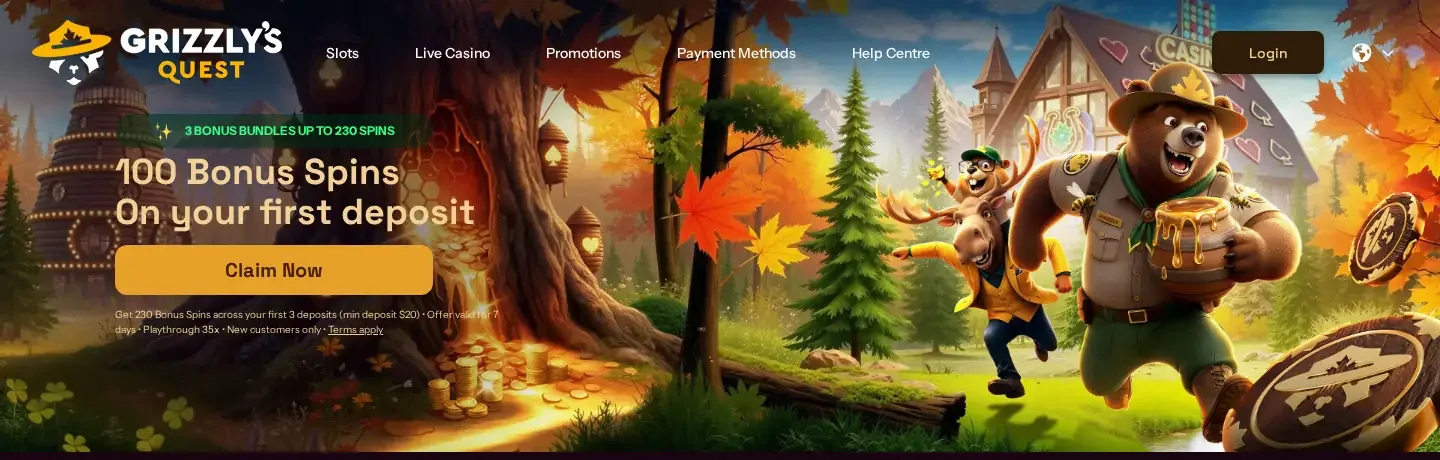
The Login button and the domain to check
Grizzly’s Quest keeps a Login button in the header of www.grizzlysquest.com, to the right of Slots, Live Casino, Promotions, Payment Methods and Help Centre. A language control sits beside it. That is the door for an existing account.
Before you type anything, read the address bar. The casino website is www.grizzlysquest.com (the version without www sends you there). Login, registration and help also travel through the secure host secure-sc.grizzlysquest.com. These pages live on grizzlyquestca.com and are written by The Timberline Desk; they do not open your casino session. A different domain, grizzlyquest.ca, is not the Grizzly’s Quest account either.
If the page instead shows that you are unable to access the casino from your location, or that the casino is not available in all locations, stop there. These pages do not describe a way around that message.
Username and password, as the cashier page puts it
Existing members sign in with a username and a password, then open the Bank section. Use the username you created at registration. If the form in front of you asks for something else, pause and confirm you are still on a grizzlysquest.com host before you continue.
Four moves that get you into the account
- Open www.grizzlysquest.com and check the spelling in the address bar.
- Tap Login in the header.
- Enter your username and password, then submit the form the casino shows you.
- When the session opens, go to the Bank section if you need to deposit, finish a Welcome Trail bundle, or request a withdrawal.
Activation of a new account can require a message to the email you registered. If you have just signed up and Login refuses the details, look in that inbox first, including the spam folder, then try again.
Login on a phone, without a store app
There is no Grizzly’s Quest app in the Canadian App Store or on Google Play. Sign-in on a phone is the same website in a mobile browser, with the same username, password and Bank section. The site is fully optimised on Android and iOS in a browser. You do not need a separate download, and these pages do not walk you through an install file.
If a home-screen shortcut helps you return to www.grizzlysquest.com, that is a browser habit, not a store app. Keep typing the domain yourself if you are unsure about a shortcut someone else sent.
The casino website is offered in English and in French for Canada, with a language control in the header next to Login. These pages stay in Canadian English. The same username and password open the account in either language, and the Bank section is the same once you are in.
If you cannot get back in
If the password does not go through, use the Help Centre at help.grizzlysquest.com or the live-chat icon on the site. Email is also named as a support channel. Chat hours are not printed, and a general public support@ address is not listed.
[email protected] is the inbox for these Timberline Desk pages. It cannot reset a Grizzly’s Quest password, change a username, or unlock an account. For those jobs, stay with the Help Centre or live chat.
If login fails after you are sure of the domain and the details, typical next checks are: caps lock, a saved password for a look-alike spelling, and whether the account still needs email activation. If the account was paused for an identity check, the Help Centre is the place to ask what document is still missing.
Once you are inside
The first useful stop after login is usually Bank. Deposit steps start there: pick a method, follow the prompts, confirm. The published minimum is $20, which is also the floor for each Welcome Trail bundle. Withdrawals use the same section, with a 24-hour pending window and the timings set out on payments.
If you came here from a search for “login free spins” or a no-deposit pack, the honest pointer is the welcome page: the advertised trail is 230 bonus spins on three $20 deposits, not a pack handed over at login. There is no advertised no-deposit welcome on the home page.
Trade-offs to read first
- Sign-in uses a username and a password, then the Bank section.
- If the password does not go through, Help Centre and live chat are the published routes.
- The casino is not available from every location, and these pages will not tell you how to change that.
- There is no store app, so login on a phone means the mobile website.
Grizzly’s Quest login questions
What do I need for Grizzly’s Quest login?
A username and a password, entered after you tap Login on www.grizzlysquest.com. That pairing is the one named on the Payment Methods page.
How do I reset a Grizzly’s Quest password?
Use the Help Centre at help.grizzlysquest.com or live chat. [email protected] cannot reset a casino password.
Can I use Grizzly’s Quest login on a phone?
Yes, in a mobile browser. There is no Canadian store app, so you sign in on the same website.
Why might Grizzly’s Quest login be unavailable?
The casino is not available from every location. If a page shows that it cannot open from yours, these pages do not explain a workaround.
Can this desk reset my Grizzly’s Quest password?
No. Write to the Help Centre or use live chat. The desk inbox is only for these pages.
I do not have a Grizzly’s Quest account yet. What should I do?
Start on the registration page. The Welcome Trail is for new customers and begins after a $20 deposit.
When you need to pause play
Grizzly’s Quest is for people aged 18 or over, and not below the age of majority where they live. Deposit, session and loss limits, and self-exclusion, sit inside the account. Formal complaints go to [email protected]; the Kahnawake regulator also takes complaints; the named ADR is eCOGRA. A longer note is on tools for a pause in play.